
Instanet
Help Center
HOW TO ENABLE WI-FI AND HOTSPOT ON THE LIVEBOX INTERNET BONDING DEVICE?
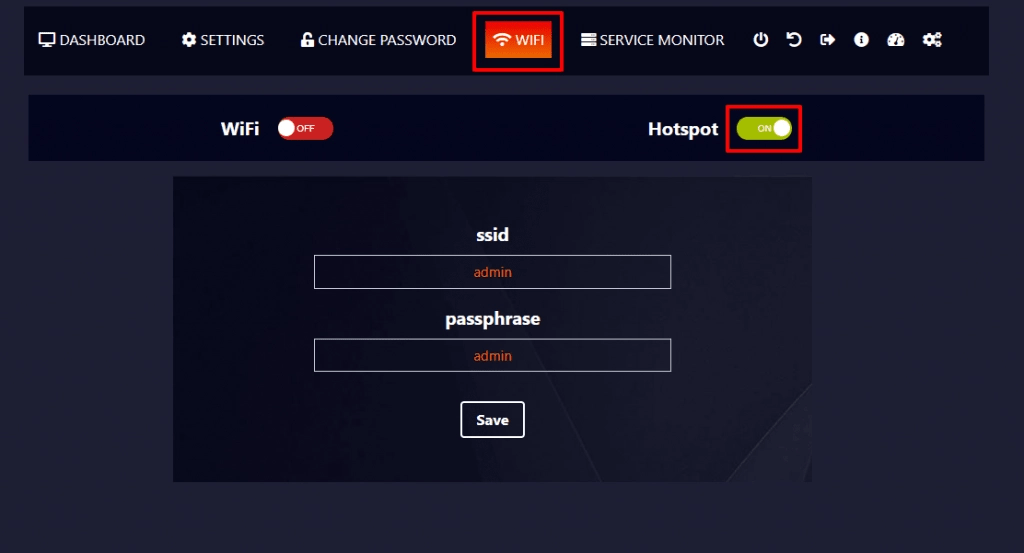
HOTSPOT
To make use of the bonded Internet,
- You can get Internet connectivity through the LAN cable.
- Otherwise, you can go to the WIFI option and turn on the Hotspot button.

- And by using the ID and Username, you can get to use the fast Internet from the Livebox Bonding device.
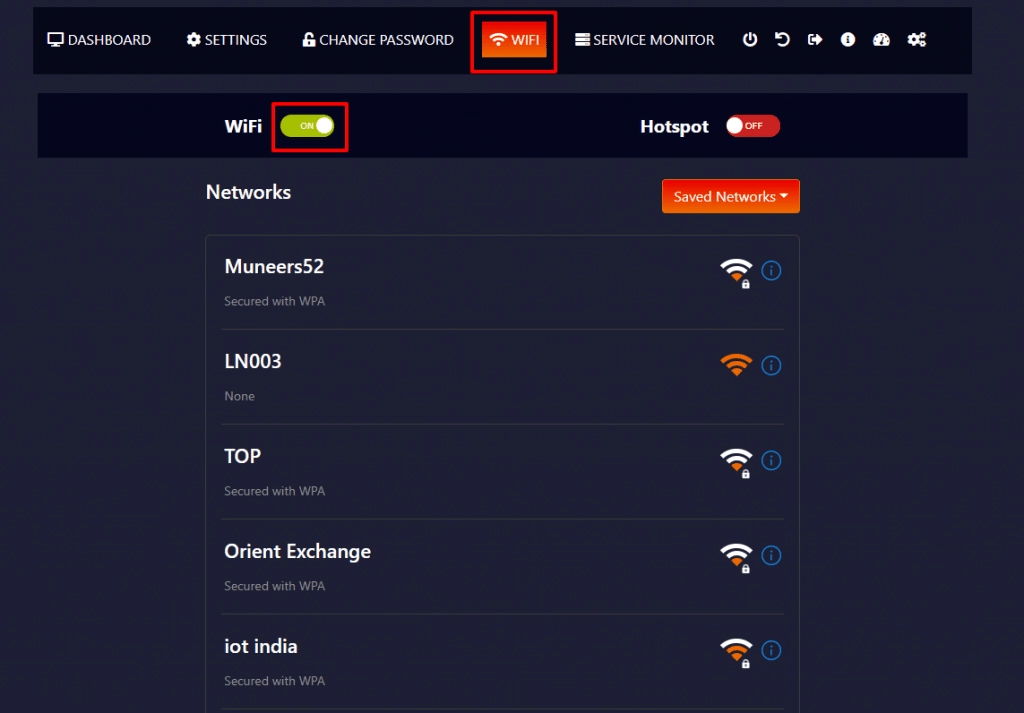
WI-FI
You can also merge your mobile data or any other Wi-Fi connections along with the inserted SIM data by turning on the Wi-Fi button.
Happy Blazingly Fast Internet Experience!
This document was last updated on May 10, 2021