
Failover
Home | Failover
Reliable Networks, Resilient Operations:
Failover Solutions by INSTANET
Failover is a crucial feature in the INSTANET Internet Generator, acting as an internet bonding device, ensuring uninterrupted internet connectivity by automatically switching to a backup connection in the event of a primary connection failure. This seamless transition minimizes downtime and ensures continuity of operations, making it ideal for mission-critical applications in various industries.
How Does Failover Work?
INSTANET continuously monitors the status of all available internet connections, including wired and wireless connections such as 4G and 5G networks. If the primary connection experiences a disruption or outage, INSTANET, acting as a bonding router, detects the failure and instantly switches to a secondary connection. This proactive approach to network management ensures that users remain connected and productive, even in the face of unexpected network issues.
Benefits of Failover


Improved Reliability
Failover enhances the reliability of internet connectivity by providing backup options in case of primary connection failures, leveraging its role as an internet bonding gateway.

Minimized Downtime
INSTANET's quick response time ensures minimal downtime, allowing users to maintain productivity and continuity of operations.

Enhanced Resilience
By automatically switching to a backup connection, INSTANET, acting as a multi-sim bonding device, increases network resilience and mitigates the impact of network disruptions on critical business processes.


Failover Scenarios and Use Cases
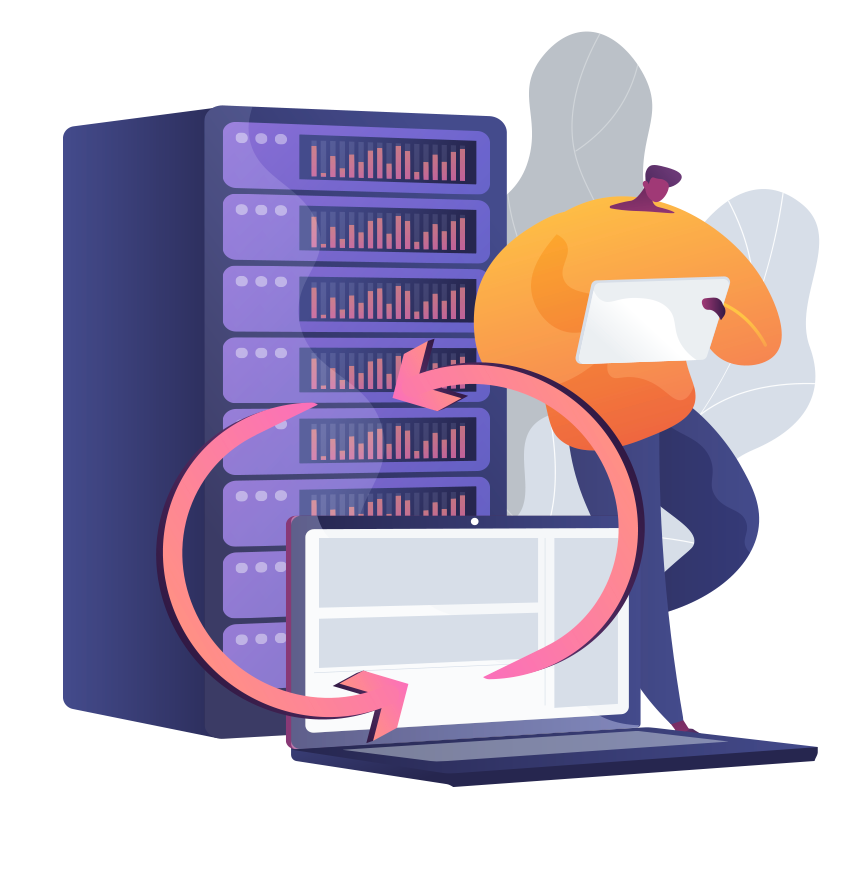
- In the event of a primary connection outage, INSTANET automatically switches to a backup connection, leveraging its role as a 4G bonding router, allowing users to maintain uninterrupted access to online resources and applications. This failover scenario is particularly beneficial for businesses that rely on continuous internet connectivity for critical operations such as online transactions, customer support, and remote access.
- During periods of network congestion or high traffic volume, primary internet connections may become slow or unresponsive. INSTANET, functioning as a bonding router, detects degraded performance and initiates failover to a backup connection with better throughput and stability. This proactive approach ensures consistent network performance and user experience, even during peak usage periods.
- malfunctions or cable damage can disrupt primary internet connections. INSTANET's failover feature, leveraging its role as a multi-USB bonding device, detects hardware failures and seamlessly switches to a backup connection, minimizing the impact on network availability and preventing productivity losses.
Failover Management and Monitoring
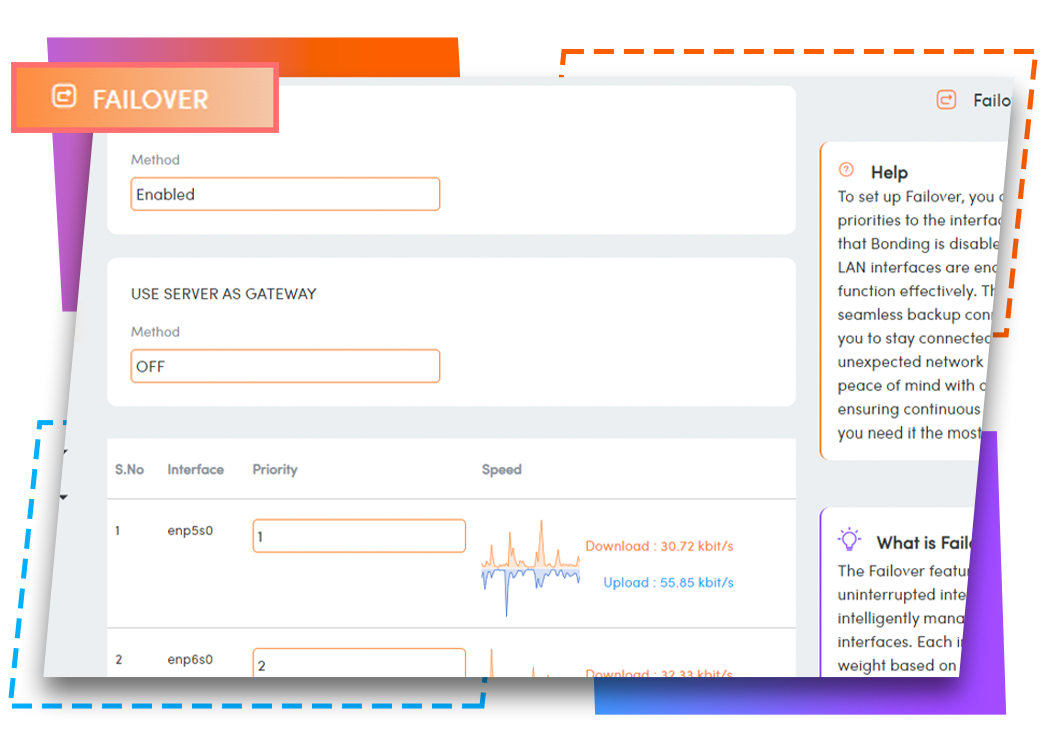
- INSTANET provides real-time monitoring of failover events, allowing administrators to track the status of primary and backup connections. Real-time alerts and notifications inform administrators of failover occurrences and enable them to take immediate action to resolve issues and restore connectivity.
- Performance Optimization By analyzing historical failover data and performance metrics, administrators can identify trends and patterns that may impact network reliability and resilience. INSTANET's performance optimization tools help administrators fine-tune failover settings and optimize network configurations for maximum efficiency and uptime.
- Failback Mechanisms After a failover event, INSTANET automatically monitors the status of the primary connection and initiates failback once the primary connection is restored. Failback mechanisms ensure a smooth transition from the backup connection back to the primary connection, minimizing disruptions and maintaining continuity of operations.
Failover Benefits and Advantages

Enhanced Reliability
Failover enhances network reliability by providing redundant connectivity options and automatic switchover mechanisms. Organizations can rely on failover to maintain continuous access to critical applications and services, reducing the risk of downtime and productivity losses associated with network outages.
Improved Performance
Failover improves network performance by dynamically routing traffic to backup connections with better throughput and stability. This proactive approach to network management ensures consistent performance and responsiveness, even during periods of primary connection degradation or congestion.
Business Continuity
Failover ensures business continuity by minimizing the impact of network disruptions on organizational operations. By quickly detecting and mitigating network outages, organizations can avoid costly downtime and maintain uninterrupted access to essential resources, applications, and services.