
Instanet
Help Center
HOW TO SET THE PASSWORD ON THE LIVEBOX INTERNET BONDING DEVICE?
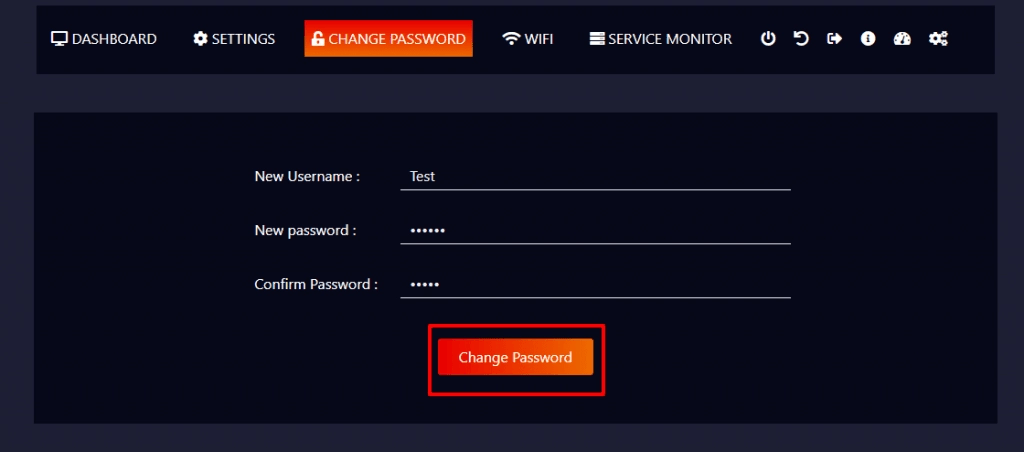
For your initial login, the IVB7 team will be providing you with the login credentials. In the case, if you want to change the device password according to your comfortability,
- Go to “Change Password”, where you can enter the new username and password.
- And then confirm your password.
- Finally, click the “Change Password” button.
Notes:
Don’t forget to keep the record of your changed passwords, as Livebox won’t hold the responsibility of the lost passwords.
This document was last updated on May 10, 2021