
Features
Bonding Router Ports
There are three ways to control ports on an Instanet bonding router: forward port, reserved port, and firewall port. The functionality of each port is explained below:
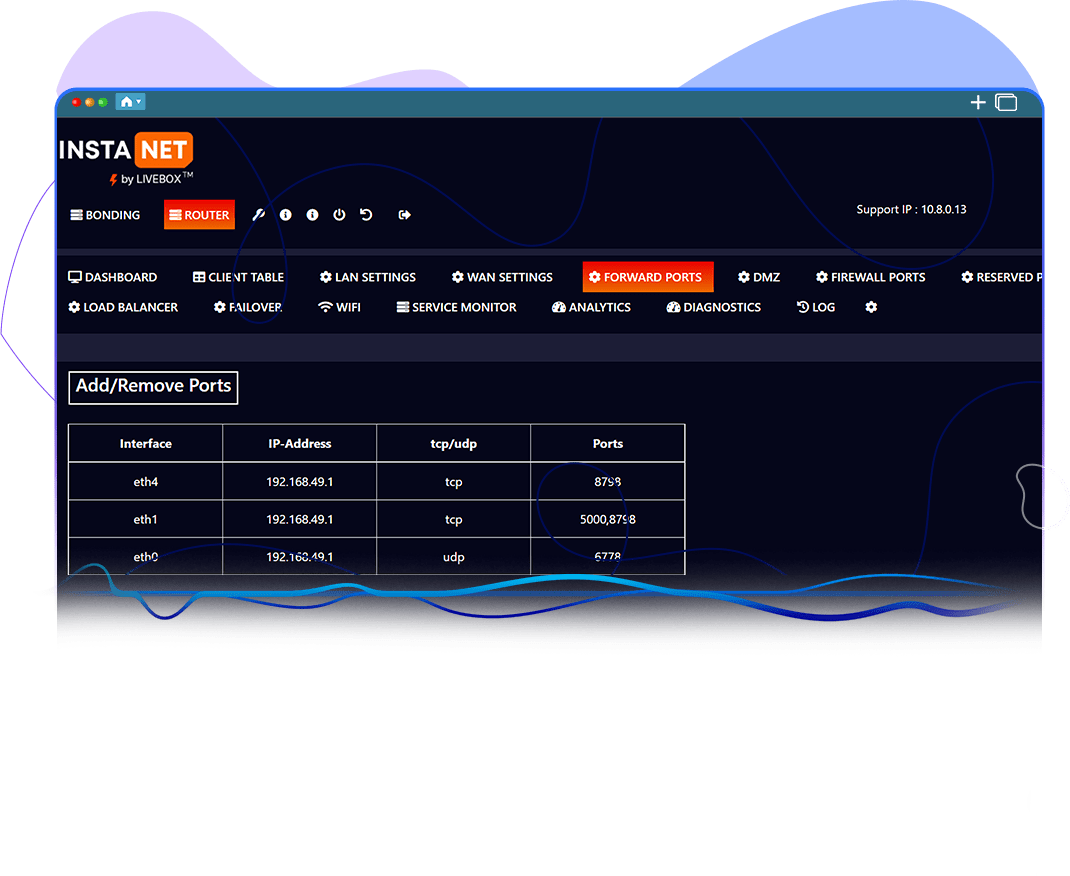
This port is connected to a local network and connected to a wide network (local ports can be accessed in a wide network). Except for the reserved ports, the other ports can be redirected to different clients on the LAN network as and when necessary. By using the Add/Remove port buttons in this interface, the port can be shared within the LAN interface.
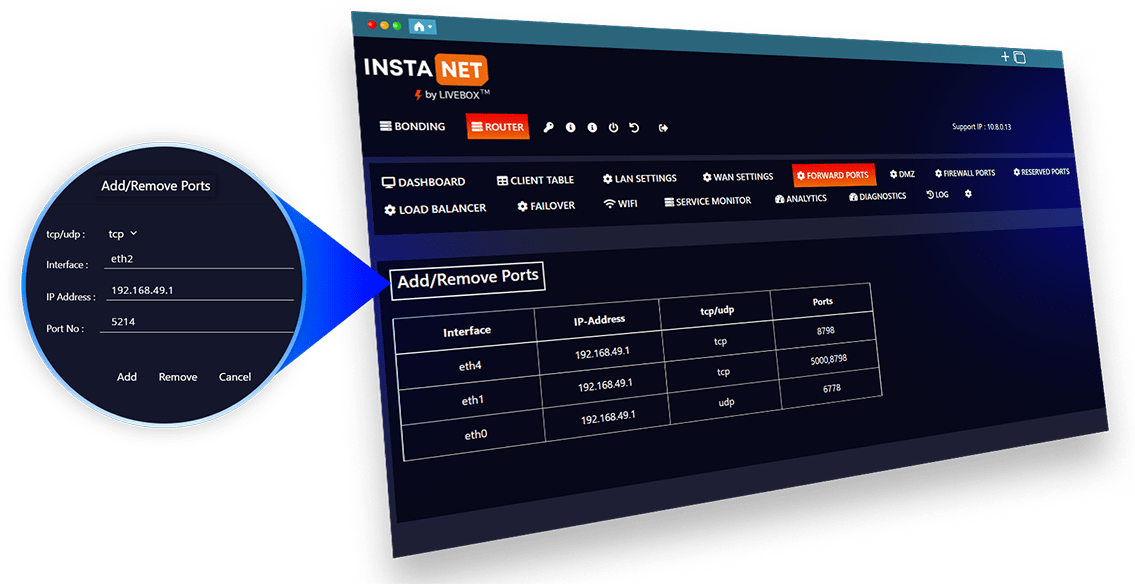
Once you have forwarded the necessary ports, incoming traffic should reach the device or service on your private network. It’s critical to note that forwarding ports can expose your device or service to potential security risks, so it’s wise to follow best practices for securing your network and applications.

RESERVED PORTS
This port cannot be forwarded to other clients on the same network because it is reserved for a specific device. This port also lists reserved ports.

FIREWALL PORTS
Firewall ports play a key role in controlling access to other ports and allow users to open and close ports at their discretion.